Beautiful screen 
captures, instantly
Capture your screen with a lightweight, native macOS app. Privacy and locally.
macOS 13+ · Intel & Apple Silicon

 Mon Jun 229:41 AM
Backed by the community
Thank you to every sponsor and contributor who helps keep Snapzy free and open source.
Become a Sponsor

Everything you need,
nothing you don't
Powerful screen capture with a native macOS experience. Built for developers, designers, and creators.
Instant Screen Capture
Capture any area of your screen with a simple keyboard shortcut. Select precisely what you need with pixel-perfect accuracy.
Quick Access
Access recent captures instantly from menu bar or panel.
CPU Usage
Minimal
Memory
~45 MB
Lightning Fast
Native performance. Minimal CPU & memory usage for smooth experience.
Privacy First
Everything stays on your device. No cloud, no tracking, complete control.
OCR Text Recognition
Extract text from any screenshot instantly. Copy code or data with one click.
Powerful Editor
Annotate, add arrows, highlights, and text. Apply beautiful backgrounds and shadows with our built-in editor.
Screen Recording
Record your screen with audio. Edit, trim, and export in multiple formats with the built-in video editor.
See Snapzy in action
Real screenshots from the app. What you see is what you get.

Screenshot Capture
Capture any part of your screen with precision
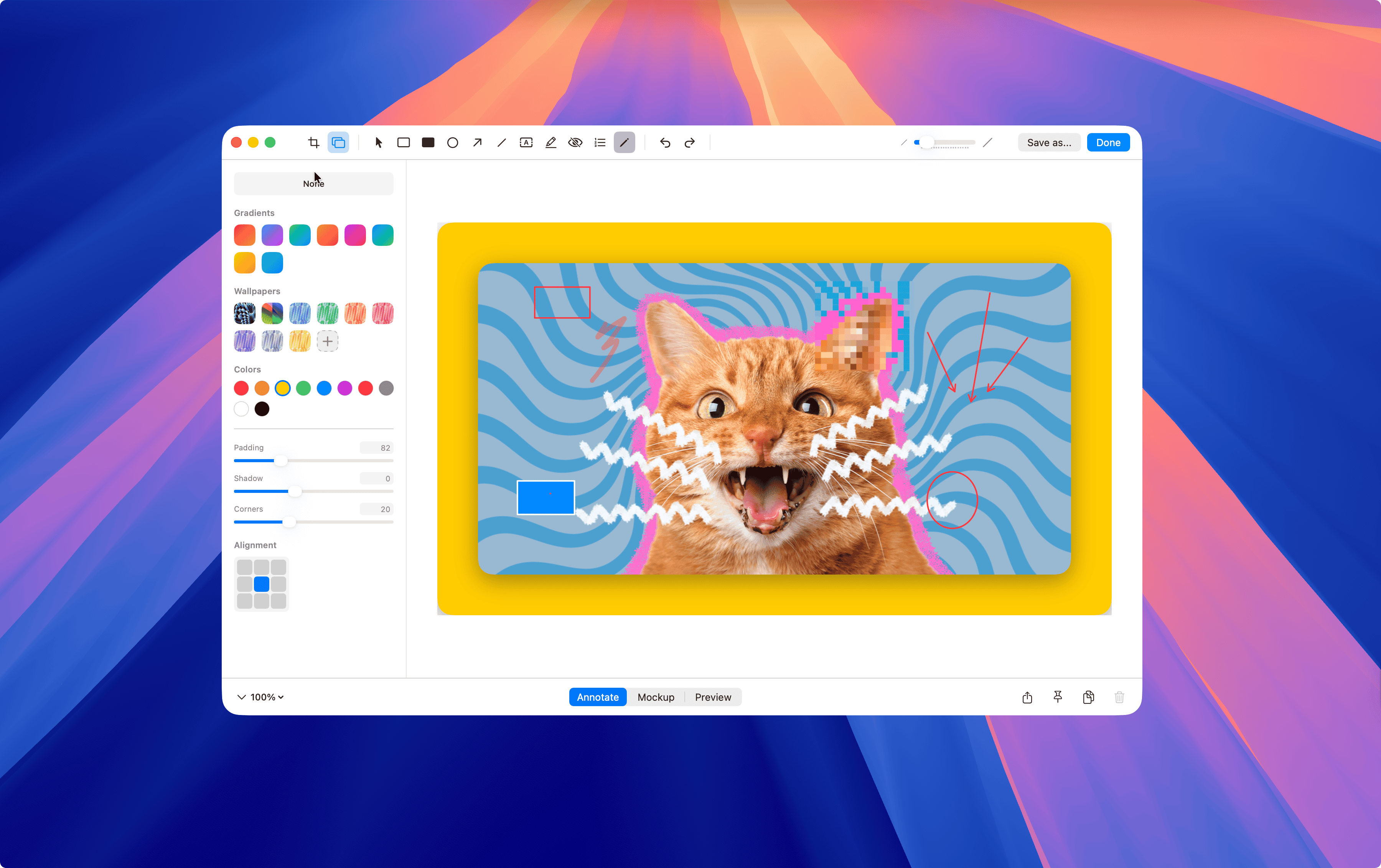
Annotate· 2 images
Annotate and beautify your captures
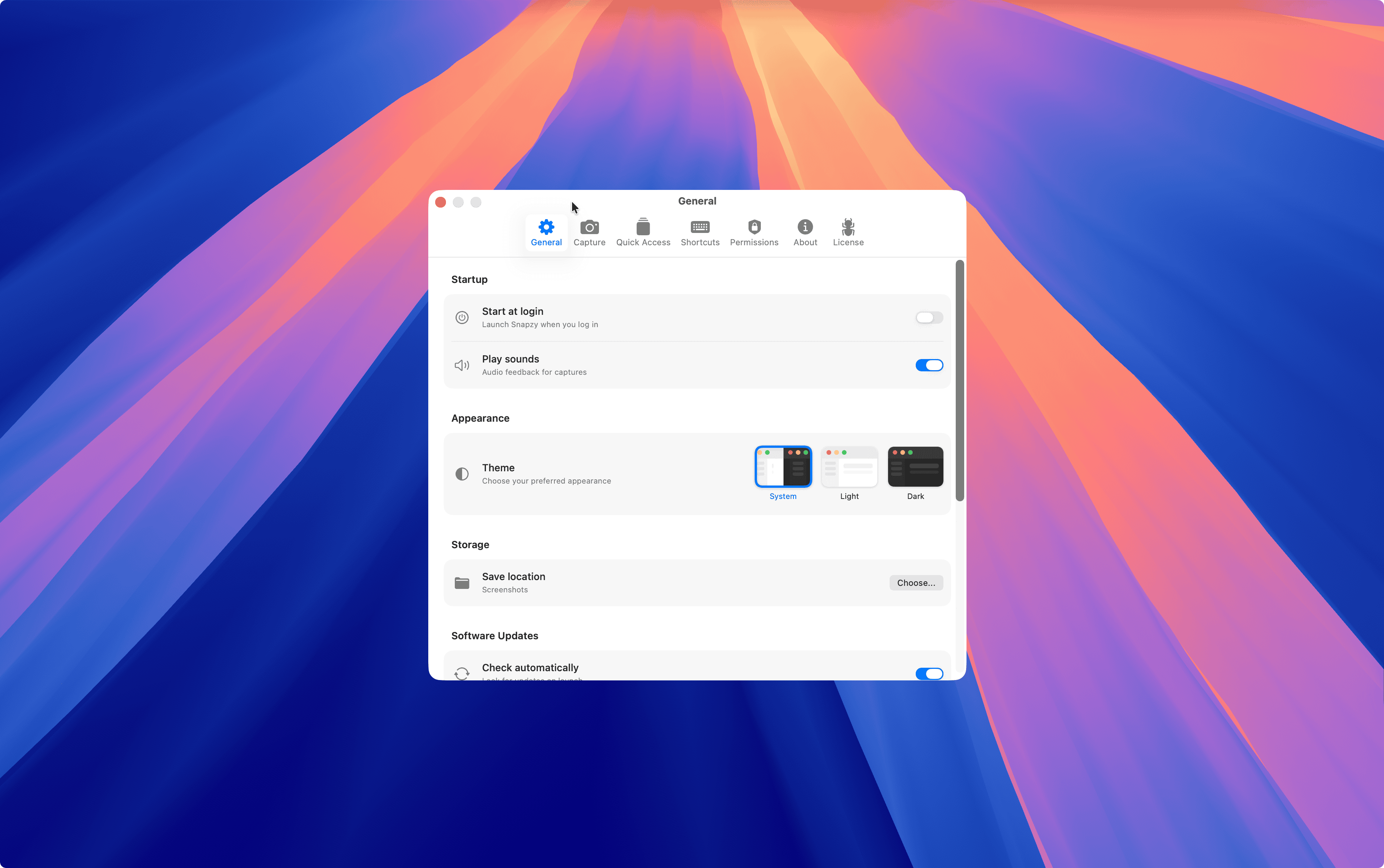
Settings· 6 images
Annotate and beautify your captures

Quick Access
Access captured image and video instantly
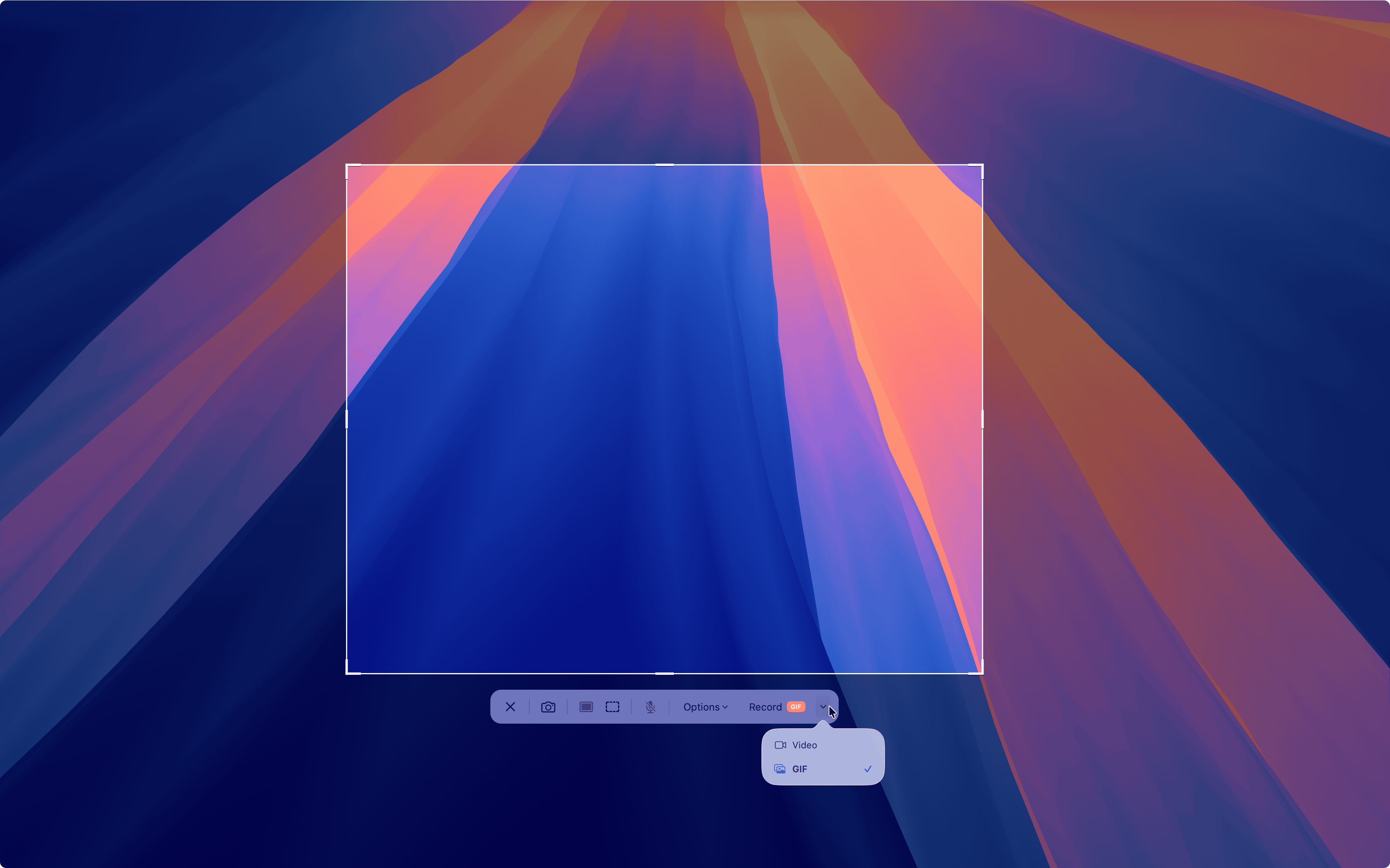
Recording & Edit Video· 6 images
Record, edit, and share screen recordings
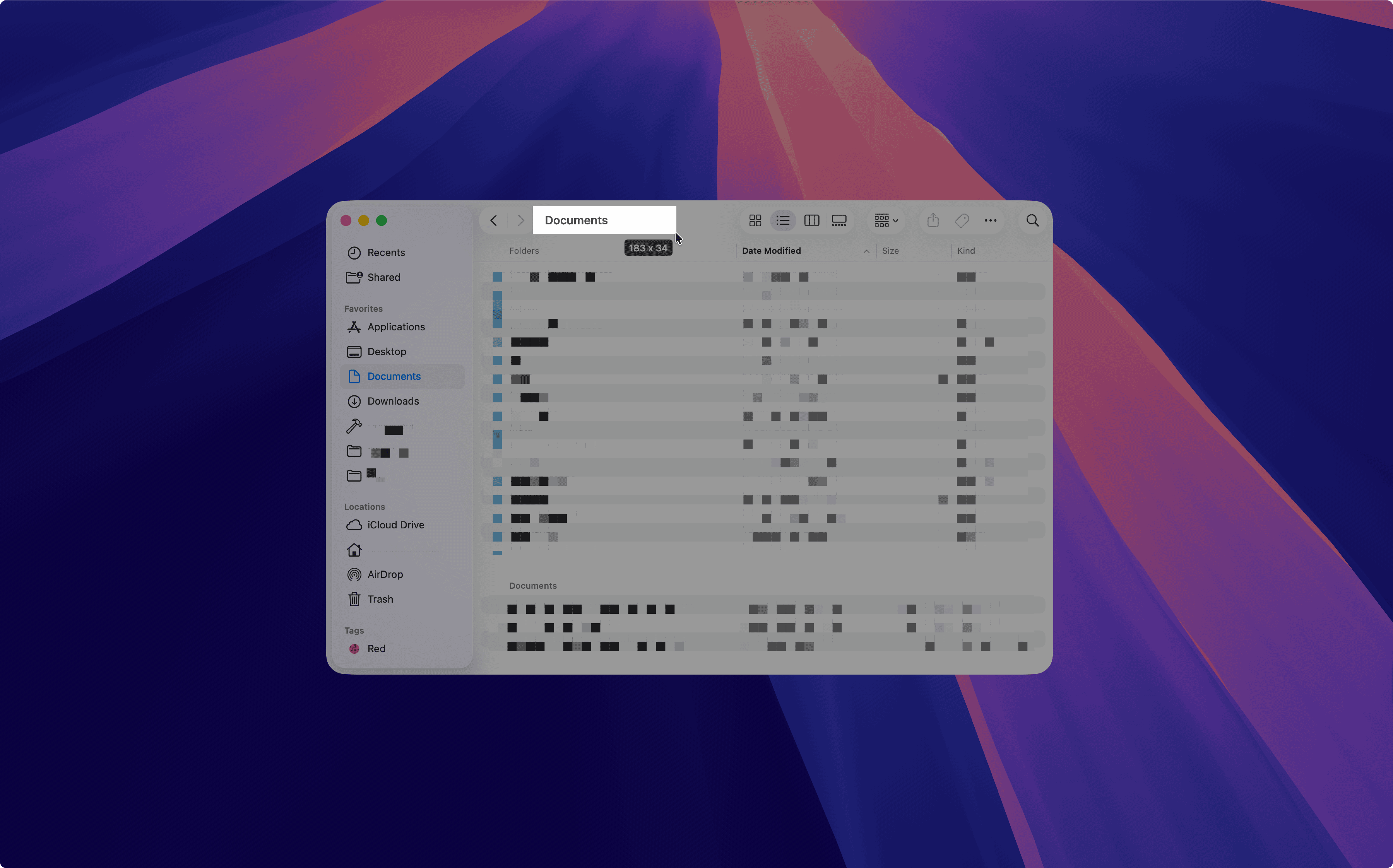
OCR & Text
Extract text from any screenshot instantly
Built in the open
Snapzy is free and open source under the BSD 3-Clause license. Star us on GitHub and join the community.
100% Open Source
BSD 3-Clause license. Read, modify, and distribute freely.
Privacy First
Everything stays on your Mac. No telemetry, no cloud.
Community Driven
Contribute features, report bugs, shape the roadmap.
Questions? We've got answers.
Everything you need to know about Snapzy.
Step 1: Open the downloaded .dmg file and drag Snapzy into your Applications folder.
macOS Gatekeeper blocks apps downloaded outside the App Store from unidentified developers to protect your Mac. Since Snapzy is distributed independently (not through the Mac App Store), you need to manually allow it via Privacy & Security settings. This is a one-time step — Snapzy will open normally afterward.
Learn more on Apple SupportStill have questions? Get in touch
Ready to capture
your best work?
Join the open source community building the best screen capture tool for macOS.
macOS 13+ · Intel & Apple Silicon