Beautiful screen 
captures, instantly
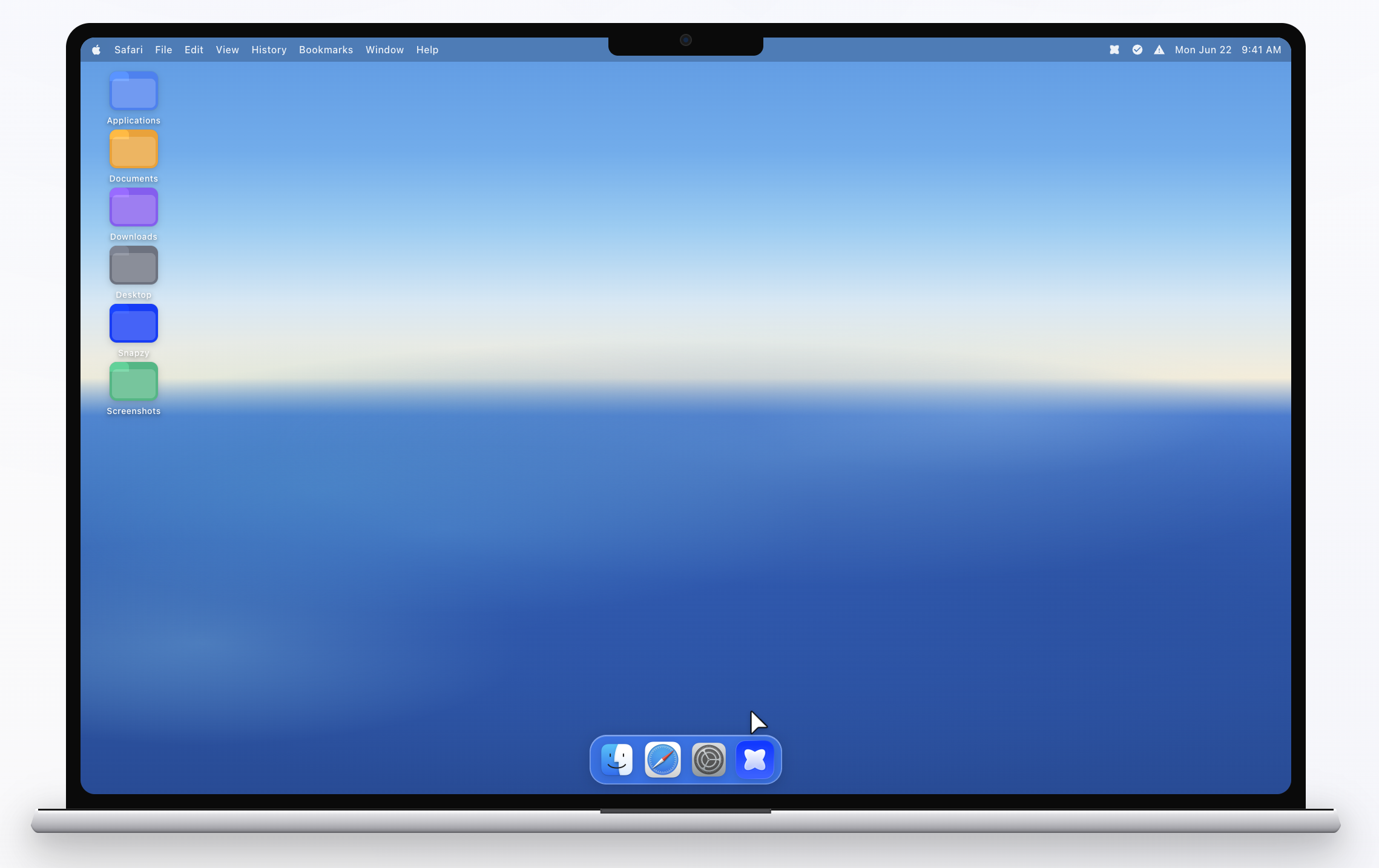
Capture your screen with a lightweight, native macOS app. Privacy and locally.
macOS 13+ · Intel & Apple Silicon
 Mon Jun 229:41 AM

We're now in the Apple Developer Program!
Thank you to our amazing community! Snapzy has reached the $99 goal for the Apple Developer Program. We can now distribute on the Mac App Store.


Every dollar counts. Thank you for keeping Snapzy free and open source.
A powerful suite of tools,
refined for simplicity.
Everything you expect from a premium screen capture utility, packaged into a minimalist and high-performance native app.
Area Selection
Pixel-perfect precision. Select any part of your screen with intuitive guides and keyboard modifiers.
Scrolling Capture
Infinite screenshots. Capture entire webpages or long documents in one continuous motion.
Built-in Editor
Annotate with speed. Add arrows, text, and highlights. Beautiful backgrounds in one click.
Screen Recording
Smooth capture. Record high-quality video with system audio and microphone support.
Quick Access
Always at hand. Manage your recent captures instantly from the menu bar.
Cloud Storage
Universal sharing. Upload to your own S3 or R2 bucket with shareable links.
Native Performance
Built for macOS. Minimal footprint for a fluid, lag-free experience on any Mac.
Privacy by Default
Offline first. Your data never leaves your device unless you choose to upload it.
Text Recognition
Instant OCR. Extract text from any image or video frame directly to your clipboard.
Capture History
Never lose a capture. Browse, search, and manage all your past screenshots and recordings.
Subject Capture
Isolate anything. Cut out subjects from screenshots instantly with automatic background removal.
Check for Updates
Always current. Built-in auto-updater keeps you on the latest version effortlessly.
Speaks your language
Native macOS per-app language support.
Use Snapzy in your preferred language — no restart required.
See Snapzy in action
Real screenshots from the app. What you see is what you get.
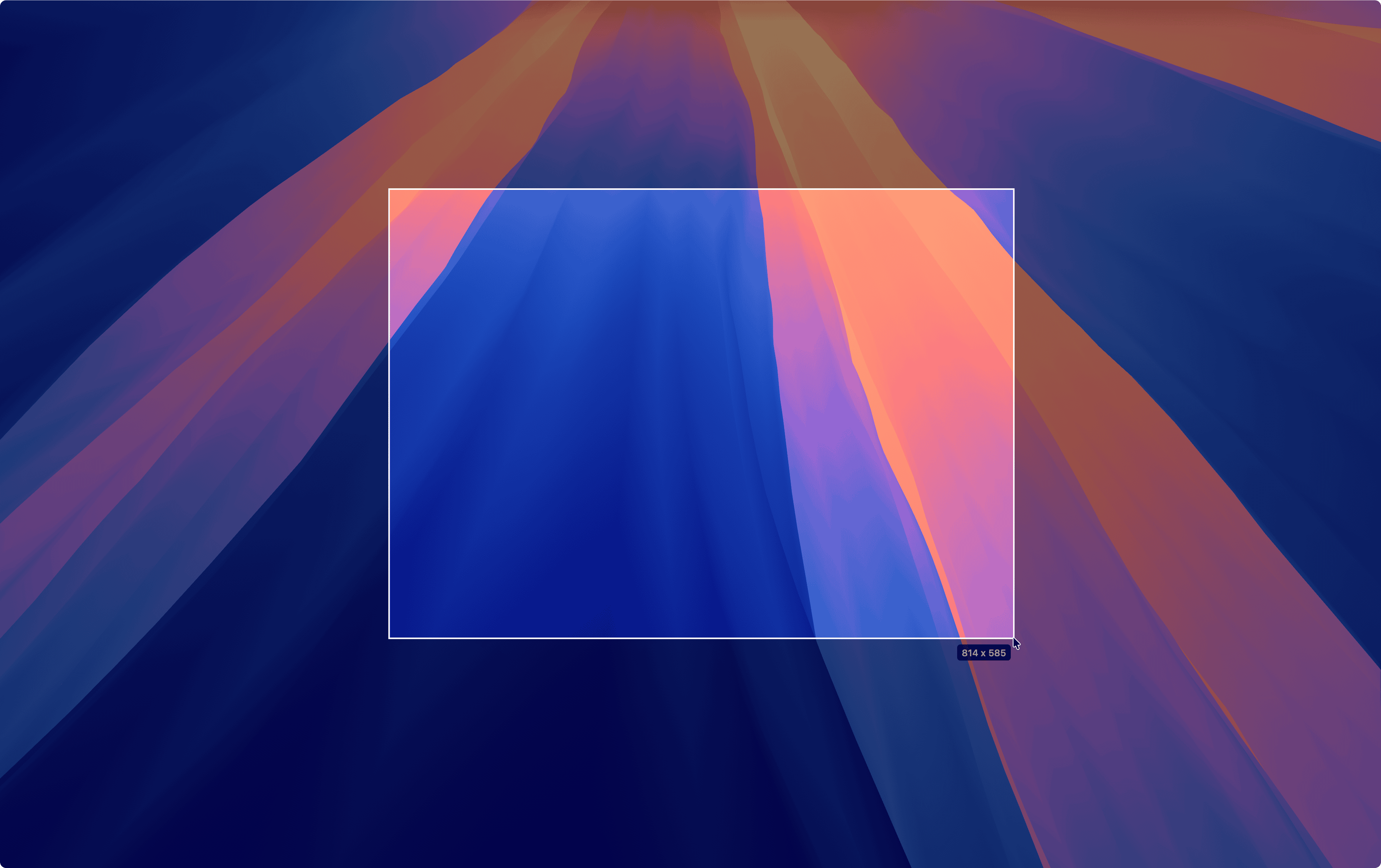
Screenshot Capture
Capture any part of your screen with precision
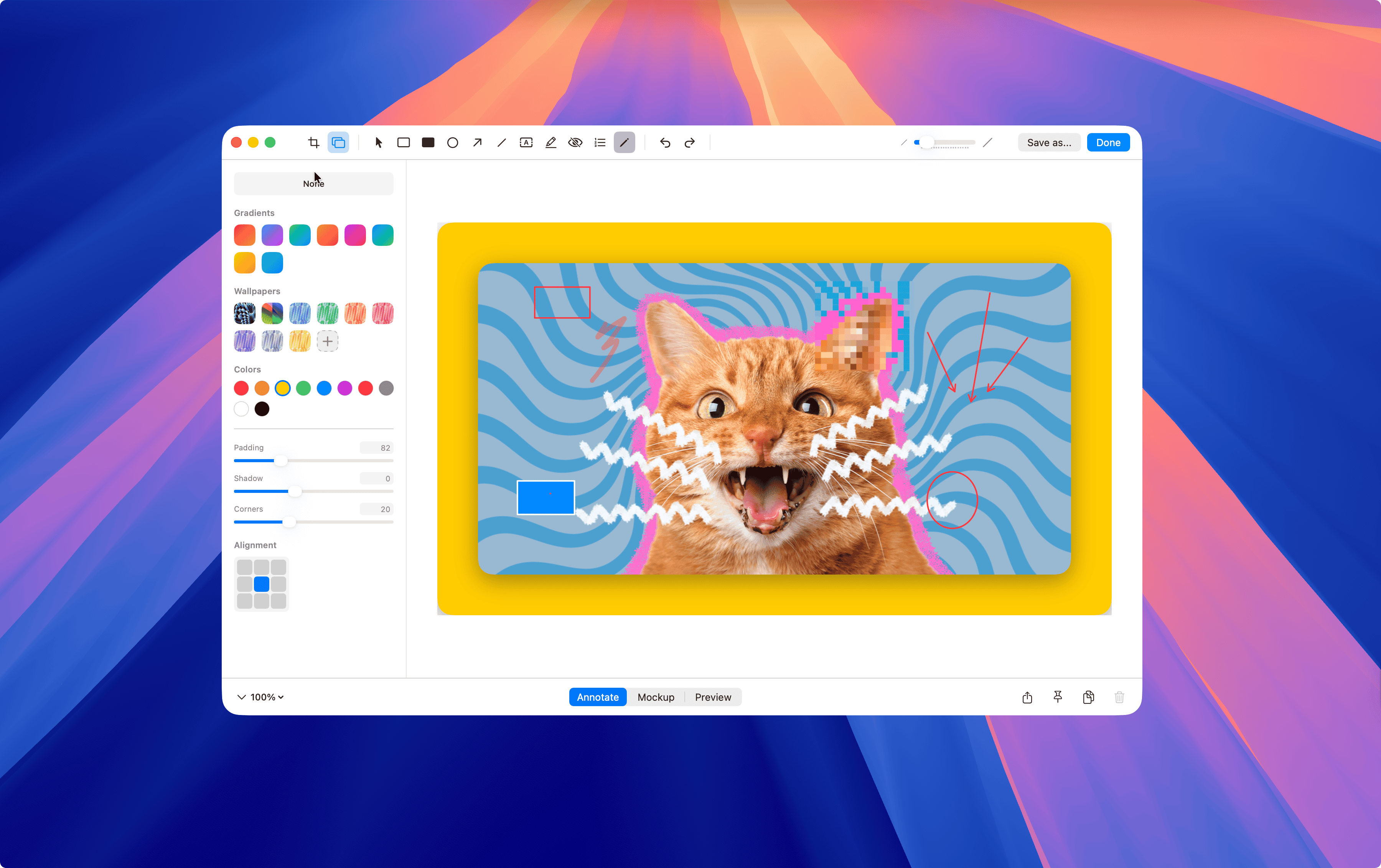
Annotate· 2 images
Annotate and beautify your captures
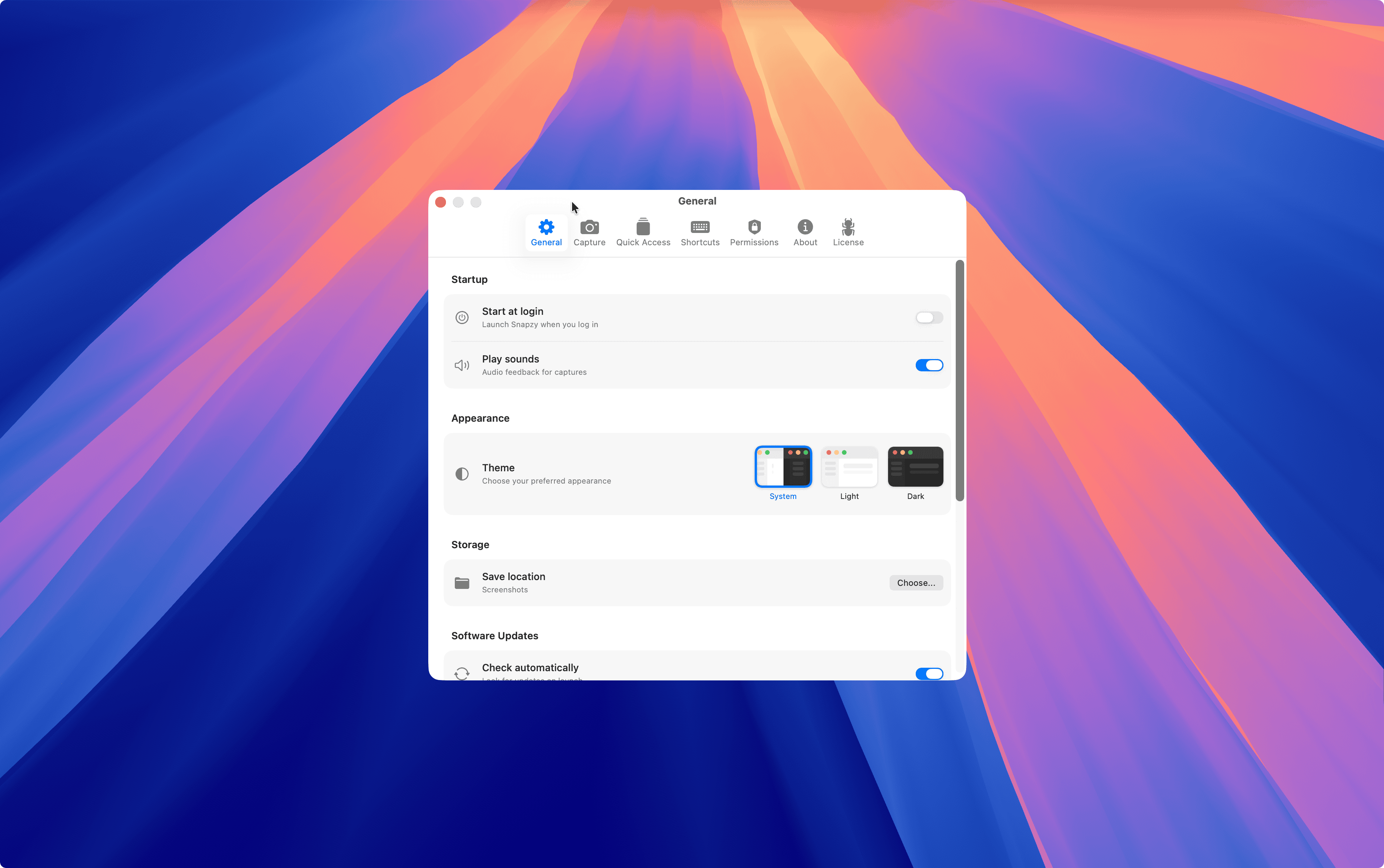
Settings· 6 images
Annotate and beautify your captures

Quick Access
Access captured image and video instantly
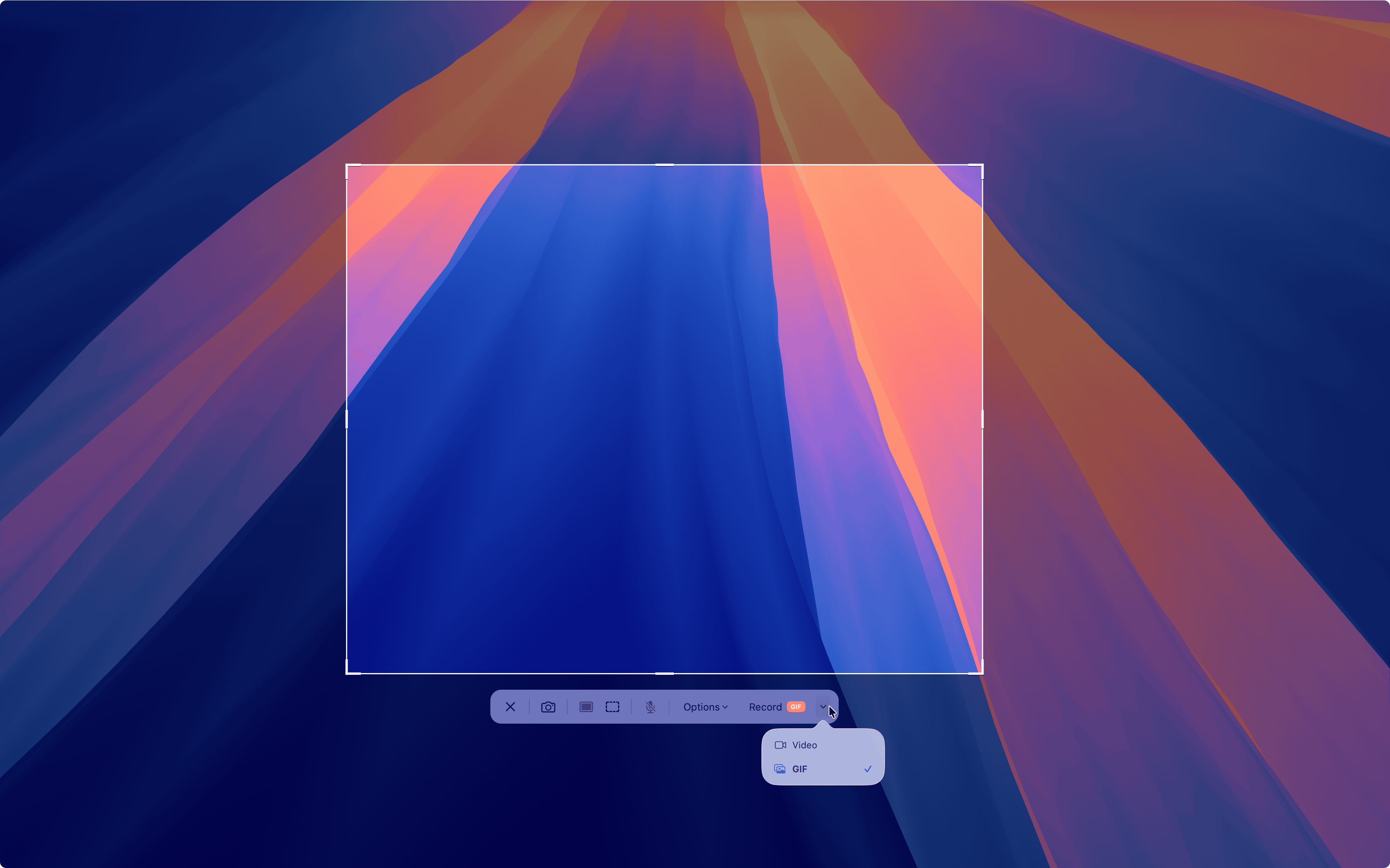
Recording & Edit Video· 6 images
Record, edit, and share screen recordings
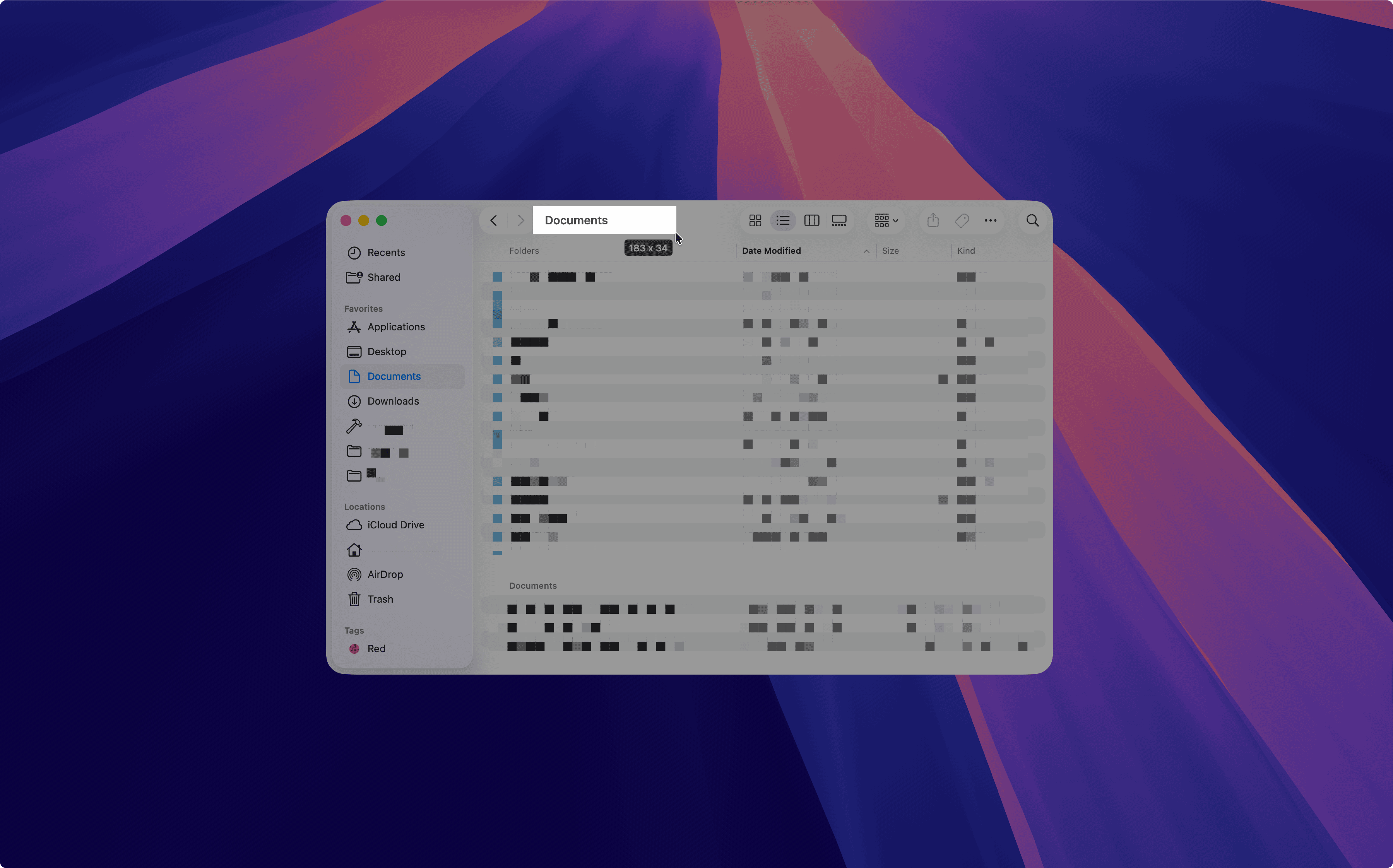
OCR & Text
Extract text from any screenshot instantly
Loved by the community
Real feedback from real users on Reddit.
"Thanks man i am using it since 10 days. Didn't had any money to purchase cleanshot, this came very handy to me. I would definitely donate once i get a job."
"Nice app. Installed as main screenshooter for me and whole family."
"i don't know how to thank you, it's exactly as CleanshotX AND 100% FREE really thanks too much."
"I've been using this for a few days now and I absolutely love it! Thank you for making this. I can appreciate the time and effort you put into this and wanted to let you know I've been using it and it has improved my workflows when it comes to taking screenshots."
"I cannot thank you enough for this! While I use Cleanshot X on my work computer, I use Snapzy for my home PC, and I cannot recommend it enough to my family and colleagues who can't or don't want to pay for Cleanshot!"
"Thanks man i am using it since 10 days. Didn't had any money to purchase cleanshot, this came very handy to me. I would definitely donate once i get a job."
"Nice app. Installed as main screenshooter for me and whole family."
"i don't know how to thank you, it's exactly as CleanshotX AND 100% FREE really thanks too much."
"I've been using this for a few days now and I absolutely love it! Thank you for making this. I can appreciate the time and effort you put into this and wanted to let you know I've been using it and it has improved my workflows when it comes to taking screenshots."
"I cannot thank you enough for this! While I use Cleanshot X on my work computer, I use Snapzy for my home PC, and I cannot recommend it enough to my family and colleagues who can't or don't want to pay for Cleanshot!"
"Really well done! Also love the icon! CleanShot is probably my most used and favorite app, well maybe only second to Raycast. It's wild how much Apple gives developers built-in to make very useful apps."
"What a good application, I have been testing it and it is quite complete, good job."
"excellent work, it's just beautiful. How did you made the UI of the app and your branding?"
"This is awesome! I was thinking of making a clone like this to add support for third party cloud uploads like to Imgur or anywhere like how ShareX does it. Will definitely be interested in contributing"
"Your app is beautiful man."
"Really well done! Also love the icon! CleanShot is probably my most used and favorite app, well maybe only second to Raycast. It's wild how much Apple gives developers built-in to make very useful apps."
"What a good application, I have been testing it and it is quite complete, good job."
"excellent work, it's just beautiful. How did you made the UI of the app and your branding?"
"This is awesome! I was thinking of making a clone like this to add support for third party cloud uploads like to Imgur or anywhere like how ShareX does it. Will definitely be interested in contributing"
"Your app is beautiful man."
"This is fantastic!"
"Looks owsome"
"So far I'm liking it. I would live if my stroke width and font size for annotating would stay with whatever my last adjustment was."
"Macshot does not look remotely like this or CleanShotX. Power to OP!"
"I see you 😄 Snapzy is great too!"
"This is fantastic!"
"Looks owsome"
"So far I'm liking it. I would live if my stroke width and font size for annotating would stay with whatever my last adjustment was."
"Macshot does not look remotely like this or CleanShotX. Power to OP!"
"I see you 😄 Snapzy is great too!"
Questions? We've got answers.
Everything you need to know about Snapzy.
SnapzyStep 1: Open the downloaded .dmg file and drag Snapzy into your Applications folder.
Earlier Snapzy builds were not notarized by Apple, so macOS Gatekeeper could block the app on first open. Starting with v1.25.0, Snapzy is notarized by Apple and no longer triggers that block. You can open it normally.
Learn more on Apple SupportIf you are running an older build or a rare edge case blocks Snapzy, open Terminal and run this command to remove the quarantine flag:
$ sudo xattr -rd com.apple.quarantine /Applications/Snapzy.appThis is only needed for older non-notarized builds. Current releases open normally without any Terminal workaround.
Still have questions? Get in touch
Ready to capture
your best work?
Join the open source community building the best screen capture tool for macOS.
macOS 13+ · Intel & Apple Silicon