Feedback
回報問題
發現問題了嗎?提交詳細的錯誤回報,協助我們改進 Snapzy。
How to submit a bug report
- 1
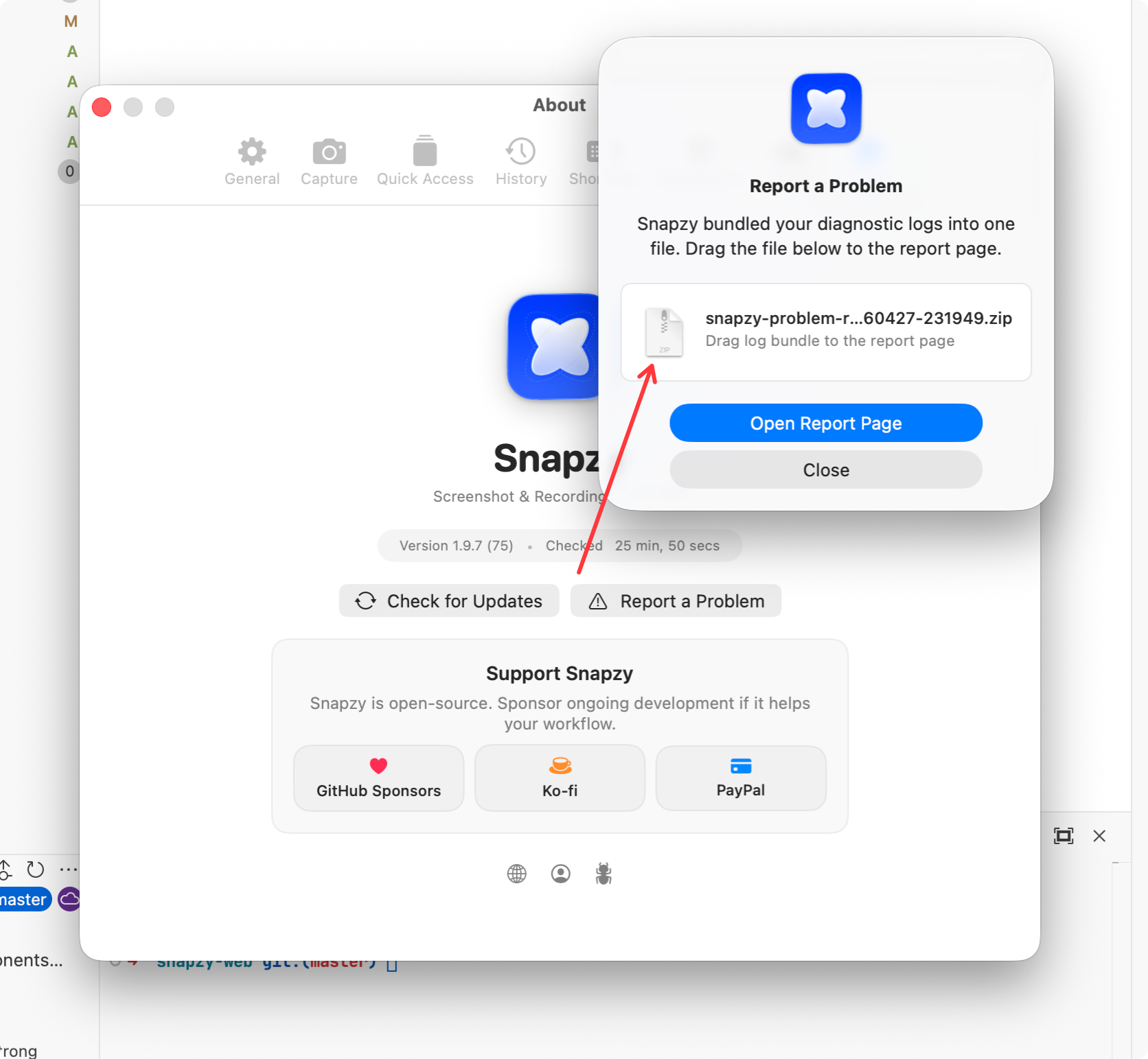
Open Report a Problem
In Snapzy, go to
Preferences → About → Report a ProblemorPreferences → General → Diagnostics → Report a Problem. Snapzy will bundle your diagnostic logs into a single.zipfile automatically. - 2
Choose where to report
Pick either Discord (for quick support) or GitHub Issues (for tracking) below.
- 3
Attach the .zip log bundle
Drop the diagnostic log bundle along with a brief description of the issue you encountered.

The "Report a Problem" dialog in Snapzy bundles your logs automatically.